Start with precise geometry
Draw lines, polylines, circles and arcs. Use coordinates, object snaps and dimensions to put details where they belong. Organize your drawing with layers, blocks and object properties.
 CadFreely
FREE 2D CAD · OPTIONAL AI · BETA
CadFreely is a free online 2D CAD editor for drawing, editing and reviewing DWG and DXF files. CadFreely AI adds optional drafting from a text description. Open the editor on your computer, phone or tablet; no account is required for local drawing tools.
INSIDE CADFREELY
Real app screenshots with sample drawings.
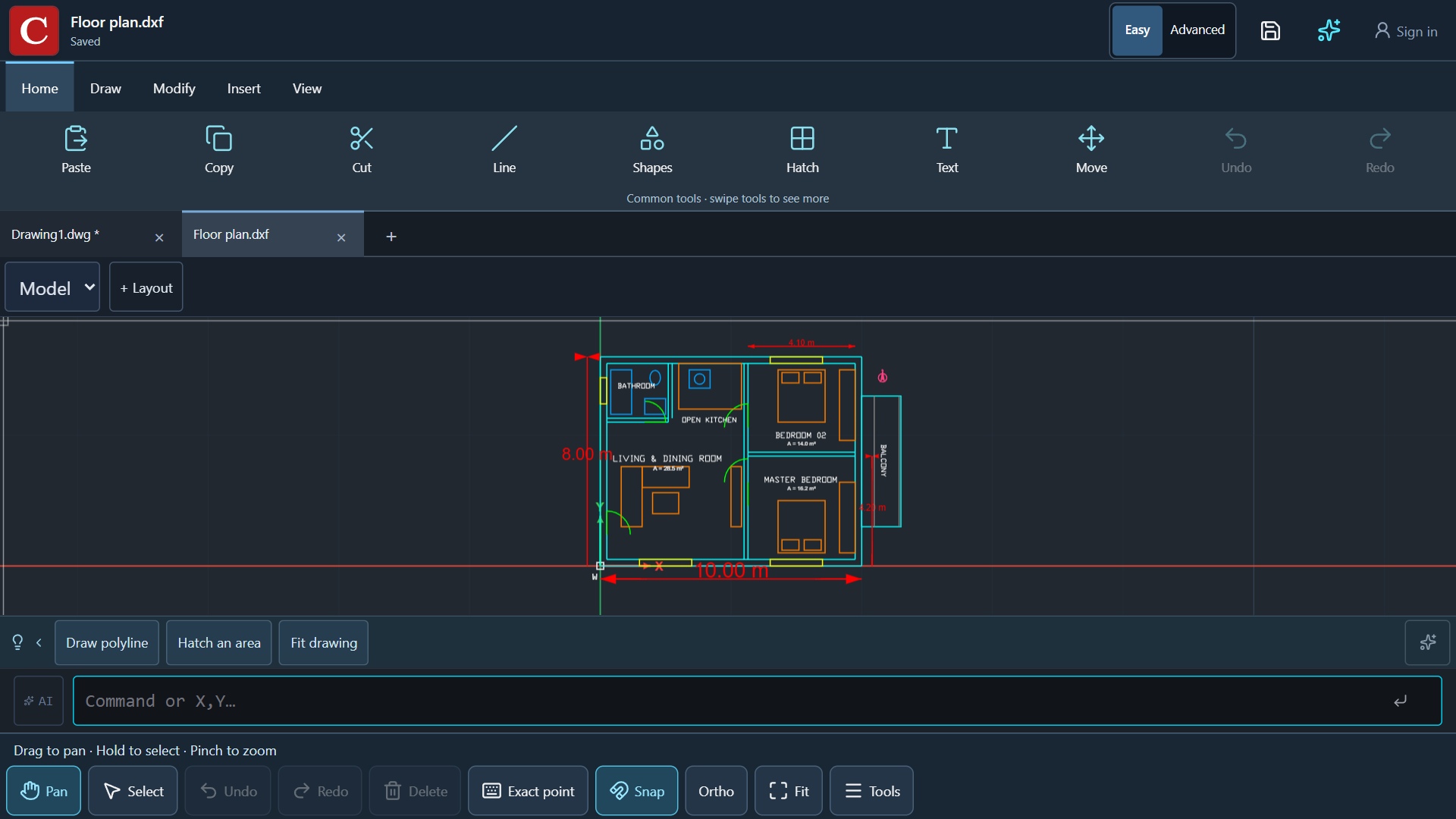
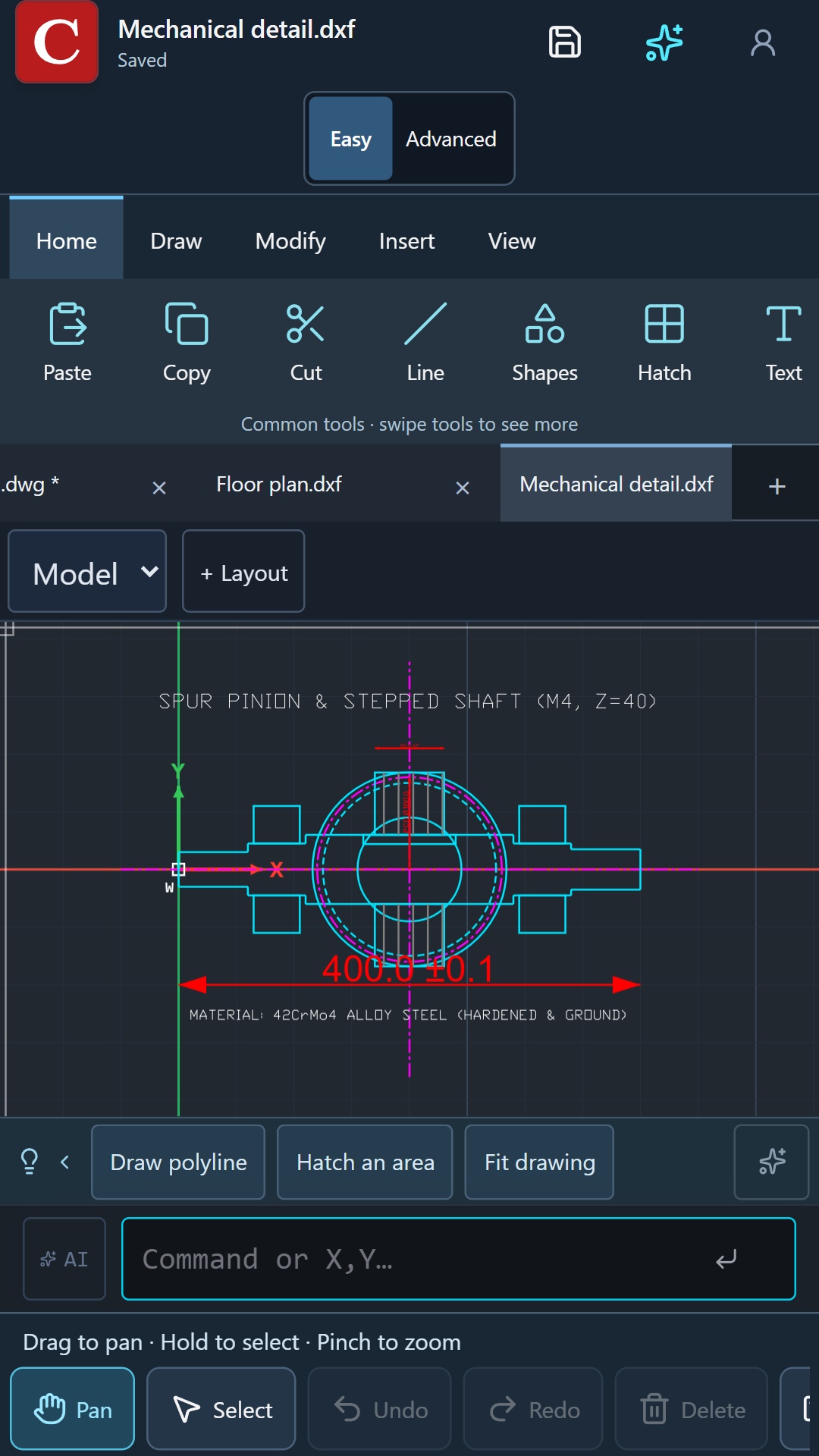
Draw lines, polylines, circles and arcs. Use coordinates, object snaps and dimensions to put details where they belong. Organize your drawing with layers, blocks and object properties.
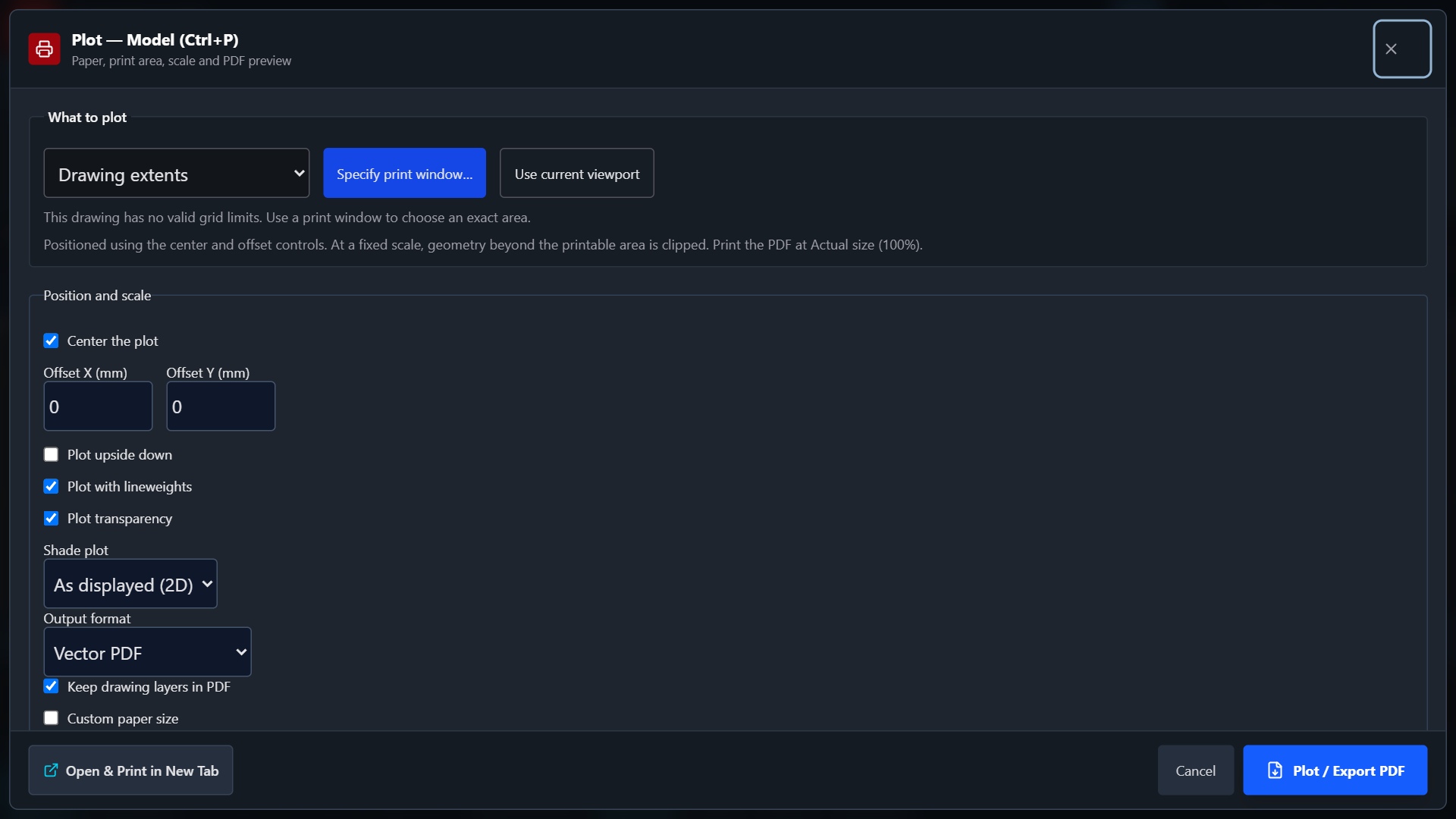
Open DWG or DXF files, make supported 2D edits and save a copy. Add hatches and text, inspect dimensions, and prepare layouts for printing. Start with a copy when checking an unfamiliar file.
Describe an idea in the AI conversation. Choose selected objects or your current view, review the proposed result and apply it when you are ready. AI is optional, requires sign-in and uses a credit allowance. Follow the AI drafting guide for example prompts and checks.
Desktop users get a full ribbon and command line. On a phone or tablet, Easy and Advanced ribbons put the tools within reach. Pan, pinch to zoom, or switch to Select to work with several objects.
CadFreely runs in a browser. Installing its web app creates a convenient launcher; it does not turn every feature into an offline tool. AI, online storage and some file conversions require a connection.
The local CAD drawing and editing tools are free to use. Sign in when you want AI or online storage. AI has free and paid allowances; the current limits and subscription options are shown in Plans & access inside the app.
CadFreely is currently in beta. It focuses on 2D drafting and does not promise complete support for every native object or custom feature in another CAD application.
For a floor plan, a measured 2D sketch or a drawing review, start with the free CAD tools: lines, polylines, circles, object snaps, layers and dimensions. Open an existing DWG or DXF when you need to continue a project, or start a blank drawing when you need to work from your own measurements.
If you want to describe an idea in words, follow the AI CAD and text-to-CAD guide. To choose between tools, compare a free AutoCAD alternative for 2D work or read about CadFreely and FreeCAD.
Our product is CadFreely (formerly CadFree), written as one word, at cadfreely.ai.studio. If you searched for “CadFree”, “CadFree AI”, “CAD Free” or “CAD Free AI” to find this editor, this is its website. Free CAD also describes a general category of software available at no cost; it is not a promise that every CAD or AI feature is free.
FreeCAD is a separate open-source parametric 3D modeler. CadFreely is an independent 2D editor and is not affiliated with that project. Our comparison guide helps you choose by the type of drawing or model you need.
The manual 2D drawing and editing tools are free. Optional AI features have account allowances and paid plans. You can open a local drawing and use the core tools without signing in.
An internet connection is required to load the app and use online services. Some prepared drawing tools run locally, but installation does not make CadFreely a fully offline CAD package.
Not every custom CAD object or specialist feature is supported. Check units, fonts, references and dimensions, keep the original, and reopen a saved copy in the application used by your team. Read the DWG and DXF guide for more detail.
Yes. Open CadFreely in a compatible browser. Touch controls support pan, zoom and selection, and the workspace adapts to the available screen. See the phone and tablet guide. The Google Play app is currently in internal testing.
When trying an existing project, work from a copy and check the saved result. Device recovery helps you continue a session; keeping your own file backup is still useful.